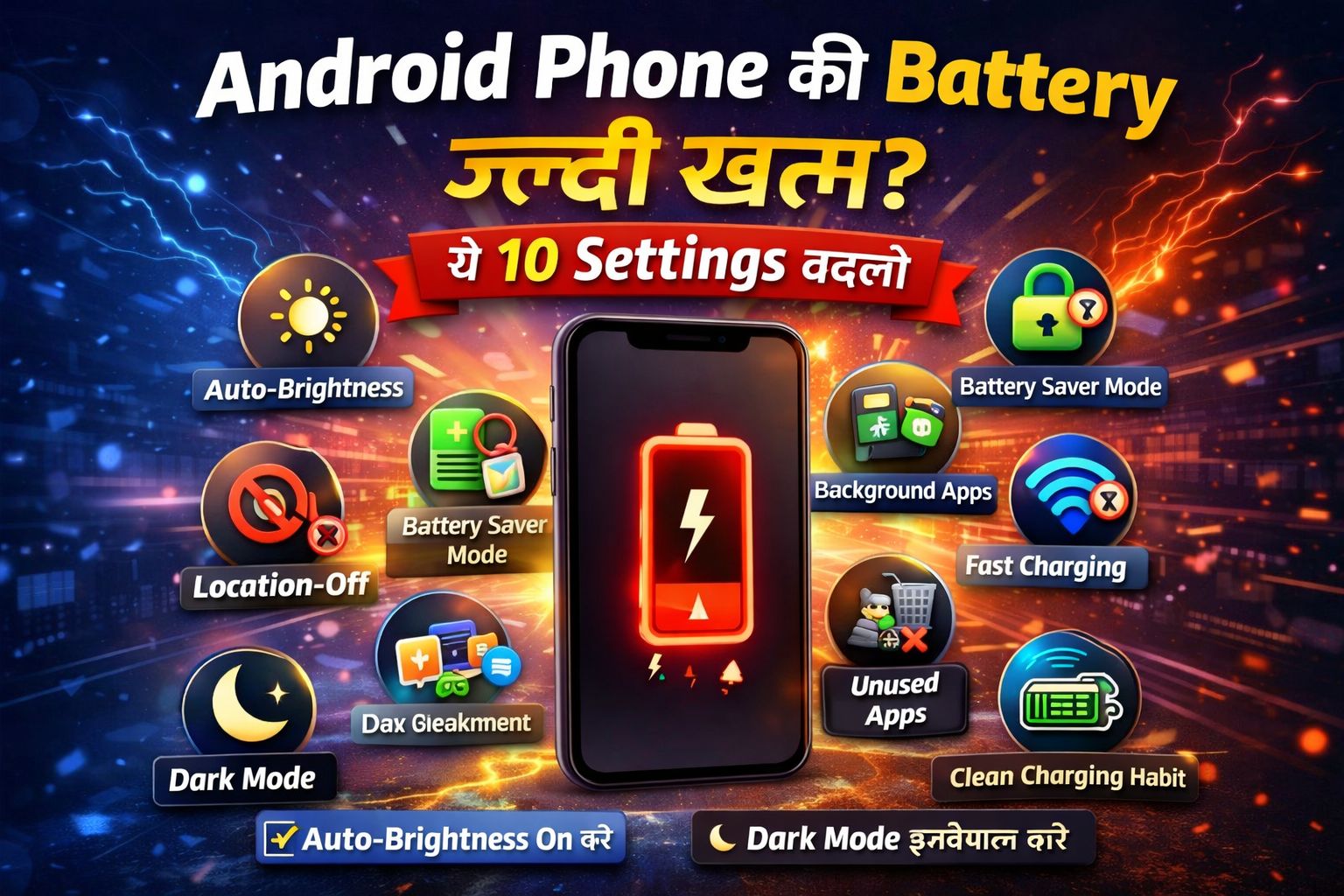
Android Phone की Battery जल्दी खत्म? — ये 10 Settings बदलो
By Abhishek Paswan – 7 April 2026
आजकल Android phone हमारे हर काम का हिस्सा बन चुका है। पढ़ाई हो, काम हो, वीडियो देखना हो, सोशल मीडिया चलाना हो या गेम खेलना हो—फोन हर जगह साथ रहता है। लेकिन सबसे बड़ी परेशानी तब होती है जब battery जल्दी खत्म होने लगती है। कई बार फोन नया होता है, फिर भी चार्ज बहुत जल्दी नीचे आ जाता है। ऐसे में लगता है कि फोन में कोई दिक्कत है, जबकि असल कारण अक्सर कुछ गलत settings, ज्यादा background activity, तेज brightness या battery health को बिगाड़ने वाली habits होती हैं।
अगर आपका Android phone भी बार-बार चार्ज मांग रहा है, तो यह लेख आपके लिए है। यहां मैं आपको 10 ऐसी settings और habits बता रहा हूं जिन्हें बदलकर आप battery backup को काफी हद तक बेहतर बना सकते हैं।
1. Screen Brightness को Auto पर रखें
फोन की battery सबसे ज्यादा display खाता है। अगर आप brightness हमेशा full रखते हैं, तो battery बहुत जल्दी खत्म होगी। Auto brightness चालू रखें, ताकि phone जरूरत के हिसाब से brightness कम-ज्यादा करे।
2. Screen Timeout कम करें
अगर स्क्रीन कुछ देर तक idle रहने पर भी जलती रहती है, तो battery बेवजह खर्च होती है। Screen timeout को 15 या 30 seconds पर सेट करें।
3. Background Apps बंद करें
बहुत सारे apps background में चलते रहते हैं और battery खा जाते हैं। Settings में जाकर background usage limit करें।
4. Battery Saver Mode का सही इस्तेमाल करें
Battery saver mode battery को बचाने में मदद करता है। इसे 20–30% battery पर चालू करें।
5. Live Wallpaper Avoid करें
Live wallpaper battery ज्यादा consume करता है, इसलिए simple wallpaper का उपयोग करें।
6. Location, Bluetooth और Wi-Fi बंद रखें
जब जरूरत न हो, तो इन features को बंद रखें ताकि battery बचे।
7. Auto-Sync Control करें
Auto-sync को सीमित करें और सिर्फ जरूरी apps के लिए चालू रखें।
8. Dark Mode इस्तेमाल करें
अगर आपके फोन में AMOLED display है, तो dark mode battery बचाने में मदद करता है।
9. Unused Apps हटाएं
जो apps इस्तेमाल नहीं करते, उन्हें uninstall करें और notifications कम रखें।
10. Charging Habits सुधारें
Battery को 20%–80% के बीच रखें और overheating से बचें।
Battery जल्दी खत्म होने के अन्य कारण
पुरानी battery, outdated software या खराब apps भी battery drain का कारण बन सकते हैं।
Buying Advice (खरीदते समय ध्यान दें)
कम से कम 5000mAh battery
Power-efficient processor
Fast charging support
Clean UI
AMOLED display
अगर आपका usage heavy है, तो battery और processor दोनों पर ध्यान दें।
अक्सर पूछे जाने वाले सवाल (FAQ)
Q1. Android phone की battery जल्दी क्यों खत्म होती है? Brightness, background apps और गलत usage habits इसकी वजह होती हैं।
Q2. क्या Battery Saver mode रोज इस्तेमाल करना सही है? हाँ, लेकिन जरूरत के अनुसार इस्तेमाल करें।
Q3. क्या fast charging battery को नुकसान पहुंचाती है? Original charger के साथ आमतौर पर safe होती है, लेकिन overheating से बचना चाहिए।
Abhishek Paswan is the owner and editor in chief of this website. He use to write articles related to newly launched technology, gadgets & internet information.
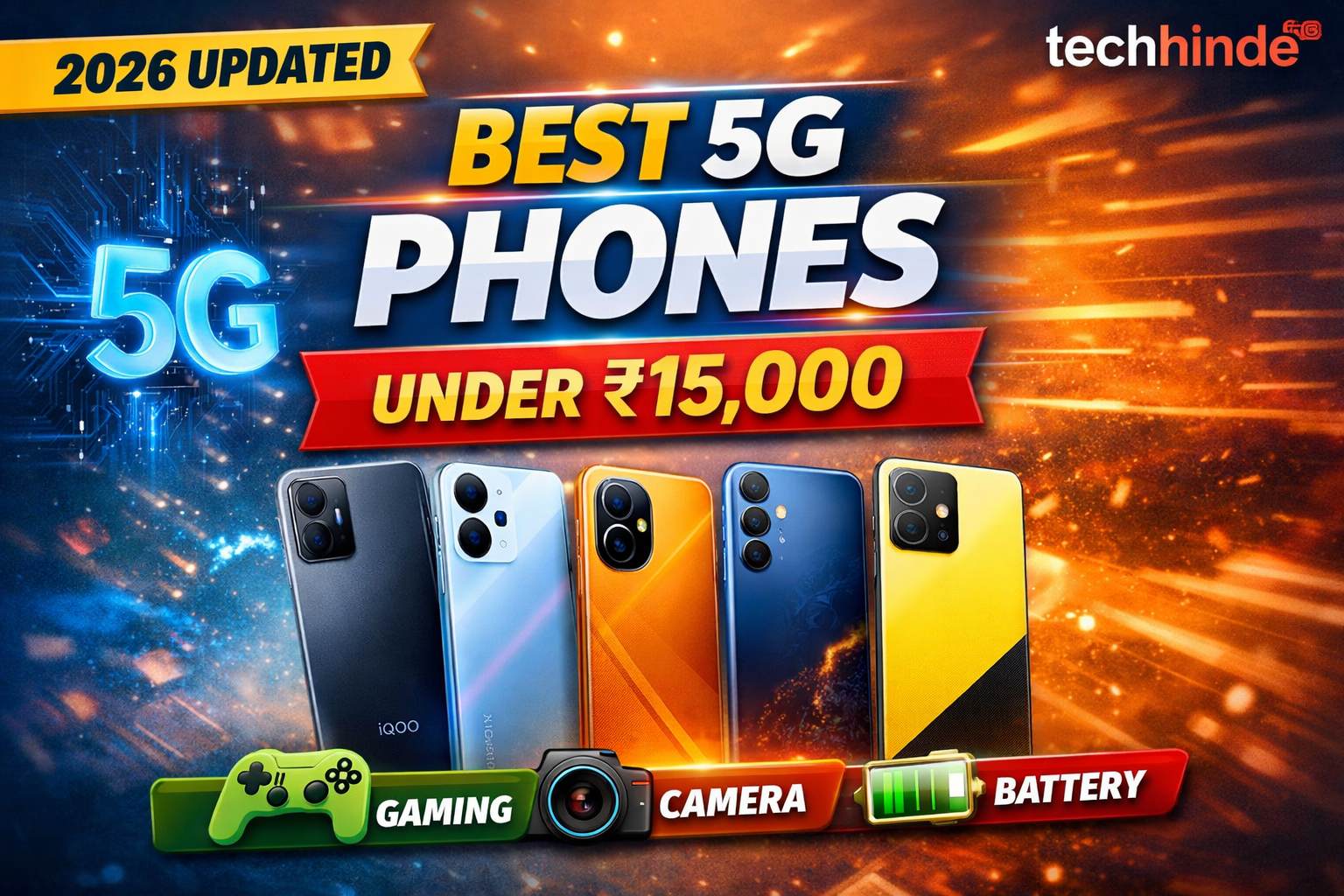
अगर आपका बजट ₹15,000 है और आप एक future-proof 5G smartphone लेना चाहते हैं, तो आज के समय में आपके पास काफी शानदार options हैं।
मैंने इस list को सिर्फ specs के आधार पर नहीं, बल्कि real-life usage, performance, battery और value-for-money को ध्यान में रखकर तैयार किया है—ताकि आपको सच में सही फोन मिल सके।
इस article में देखनगे की 1. Top 5 best 5G phones under ₹15000 2. किसफोनकोकिस use केलिए लें 3. Buying guide + expert tips
1 iQOO Z6 Lite 5G – Best for Gaming
Processor: Snapdragon 4 Gen 1
Display: 120Hz refresh rate
Battery: 5000mAh
Performance: Smooth gaming + fast UI
मेरी राय: अगर आप BGMI या Free Fire जैसे games खेलते हैं, तो यह फोन इस budget में best performance देता है।
2.Redmi 12 5G – Best Stylish All-Rounder
Processor: Snapdragon 4 Gen 2
Camera: 50MP
Display: 6.79″ FHD+
Battery: 5000mAh
मेरीराय:यहफोन look + performance दोनोंमें balance देताहै—daily use केलिए perfect।
Abhishek Paswan is the owner and editor in chief of this website. He use to write articles related to newly launched technology, gadgets & internet information.
2026 में सबसे सस्ता OTT प्लान कौन सा है? — Top 5 Options Compare
By Abhishek Paswan – 8 March 2026
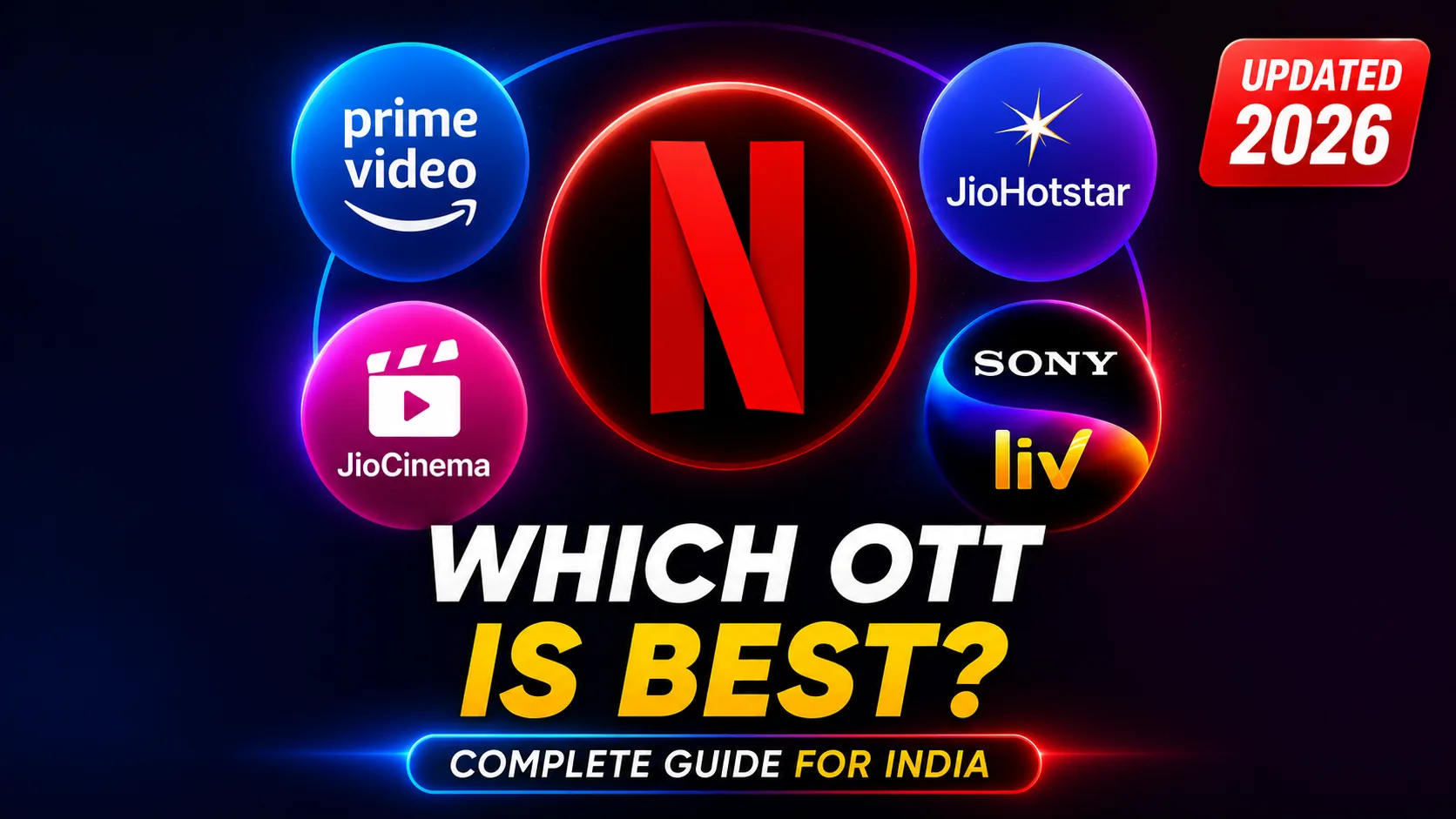
आज के जमाने में TV की जगह OTT platforms ने ले ली है। लेकिन अगर आप हर platform का subscription लेने लगें तो महीने में ₹1000-1500 सिर्फ OTT पर खर्च हो जाते हैं। तो सवाल यह है — कौन सा OTT Plan सबसे सस्ता और सबसे अच्छा है? इस article में हम Netflix, JioCinema, Hotstar, SonyLiv और Amazon Prime को compare करेंगे और बताएंगे कि आपके लिए कौन सा plan सही है।
OTT Plan लेने से पहले यह 3 बातें सोचो पैसे खर्च करने से पहले खुद से पूछो पैसे खर्च करने से पहले खुद से पूछो:
1. आप कौन सा content देखते हैं? — Web series, Movies, Sports या News?
2.कितने लोग use करेंगे? — अकेले या family के साथ?
3. कौन सा device use करते हैं? — Mobile only या TV भी?
इनतीनसवालोंकेजवाबसेआपगलत plan लेनेसेबचसकतेहैंऔरहरमहीने ₹200-400 बचासकतेहैं।
1. JioHotstar/ JioCinema – सबसेसस्ता OTT (₹29 सेशुरू)
अगरआपकोसबसेसस्ता OTT plan चाहिएतो Jio platform सबसे cheap option है।
मुख्यफीचर्स:
शुरुआतीकीमत: लगभग ₹29 प्रतिमहीना
4K streaming और offline download
कई Indian movies और web series
क्रिकेटऔर live events काभी option
JioCinema Premium plan कीकीमत ₹29 सेशुरूहुईथी, जिससेयहभारतकेसबसेसस्ते OTT plans मेंशामिलहोगया।
किसकेलिएअच्छाहै? Mobile users और budget viewers केलिए।
2. Netflix Mobile Plan – ₹149/month
Netflix दुनियाकासबसे popular OTT platform है, लेकिनभारतमेंइसका Mobile plan काफीसस्ताहै।
Features:
Price: ₹149/month (480p tak simith)
Mobile या tablet पर streaming
International web series और movies
Netflix global content और high-quality originals केलिएजानाजाताहै।
किसकेलिएअच्छाहै? अगरआपको international web series पसंदहैं।
3. Amazon Prime Video – ₹299/month
Amazon Prime Video सिर्फ OTT नहींबल्कि multi-benefit membership है।
Features:
Price: ₹299/month
Prime Video + Prime Music
Amazon shopping free delivery
Exclusive movies और series
Amazon Prime membership entertainment केसाथ shopping benefits भीदेतीहै।
किसकेलिएअच्छाहै? जोलोग Amazon shopping भीकरतेहैं।
4. Disney+ Hotstar (अबJioHotstar) – ₹299/month
Hotstar भारतमें sports और Indian content केलिएबहुतलोकप्रियहै।
Content, Disney, Marvel, Star content, Live Sports
Quality, HD / 4K
किसकेलिएअच्छाहै? Sports lovers और family entertainment केलिए।
5. SonyLiv Monthly Subscription: Rs. 299.
पैसे बचाने के 4 Smart Tips
Tip 1: Annual Plan हमेशालोहर OTT का yearly plan monthly plan से 30-50% सस्ताहोताहै। Example — Amazon Prime yearly लोतो monthly ₹125, monthly लोतो ₹299। सालभरमें ₹2000 बचतेहैं।
Tip 2: Family/Friends केसाथ Share करो JioCinema और SonyLiv में multiple screens मिलतेहैं। 3-4 दोस्तमिलकरएक subscription लोऔर cost divide करो। Netflix ₹649 plan 4 दोस्तमिलकरलें — हरएकको ₹162 मेंपड़ेगा।
Tip 3: Telecom Bundled Plans देखो Jio और Airtel केकई recharge plans में OTT subscriptions free मिलतेहैं। Airtel के ₹299+ plans में Netflix Mobile free है। Check करोकिआपके current recharge मेंकोई OTT benefit तोनहीं।
Tip 4: एकसाथसबमतलोएक time परएकही OTT रखो। जो show देखनाहैवोखत्महोनेपर cancel करो, दूसरालो। इसतरहसालमेंसबका content देखसकतेहोसस्तेमें।
अक्सर पूछे जाने वाले सवाल (FAQ)
Q1. क्या OTT subscription कोबीचमें cancel करसकतेहैं? हाँ, लगभगसभी OTT platforms monthly subscription कोकभीभी cancel कियाजासकताहै। लेकिन yearly plan cancel करनेपर refund policy अलग-अलगहोतीहै — इसलिएपहले terms check करें।
Q2. क्याएक OTT account को TV और Mobile दोनोंपर use करसकतेहैं? हाँ, लेकिनयहआपके plan पर depend करताहै। Mobile-only plans सिर्फ phone परचलतेहैं। TV परदेखनेकेलिए Super या Premium plan लेनाहोगा।
Q3. Airtel या Jio recharge में OTT free मिलतीहैक्या? हाँ! Airtel के ₹299, ₹349 औरउससेऊपरके plans में Netflix, Amazon Prime या Hotstar मेंसेकोई न कोई benefit मिलताहै। Jio के plans में JioCinema and Disney+ Hotstar के benefits आतेहैं। अपना current plan check करो — शायदआपको already कोई OTT free मिलरहीहो।
Abhishek Paswan is the owner and editor in chief of this website. He use to write articles related to newly launched technology, gadgets & internet information.
Abhishek Paswan is the owner and editor in chief of this website. He use to write articles related to newly launched technology, gadgets & internet information.
हम सभी ने कभी ना कभी रॉकस्टार के गेम्स जरूर खेलेंगे, जैसे कि GTA 5, Reddeadredemption और भी कई सारे प्रसिद्ध गेम खेल होगा।, रॉकस्टार ने 5 फरवरी तक इन सभी गेम्स की खरीद में भारी भरकम छूट दिया है, यानी कि कोई भी रॉकस्टार गेम्स को अब 50 से 80 % की छूट तक खरीदा जा सकता है। चलिए बात करते हैं किन गेम में कितनी छूट मिली है।
बात करें की GTA 5 तो इस गेम की कीमत है ₹2599 जिसमें 50% की छूट मिल रही है यानी कि इस गेम को अब ₹1299 में खरीदा जा सकता है।
Red Dead Redemption की कीमत जहां ₹3799 है, वहीं डिस्काउंट के साथ इसकी कीमत बस ₹1899 रुपए हो जाती है।
GTA Vice City, GTA 3 & GTA San Andreas Definitive Edition इन तीनों गेम में 67% की छूट है, और फिर इनकी कीमत बस ₹1088 हो जाती है। इन सब के बीच जो गेम सबसे सस्ता इस ऑफर में माना जा रहा है, वह गेम है GRAND THEFT AUTO 4 THE complete EDITION जिसकी कीमत सिर्फ ₹299 है।
रॉकस्टार ने इन सभी गेम्स में भारी छूट दी है, और यह ऑफर 5 फरवरी तक ही वैलिड है। इन सभी गेम्स को Rockstar Games की आधिकारिक साइट या फिर Steam पर जाकर खरीद सकते हैं।
Abhishek Paswan is the owner and editor in chief of this website. He use to write articles related to newly launched technology, gadgets & internet information.